 TridentSense
Play any of your PCs, from any screen.
TridentSense streams a PC's games to another PC, a phone or a TV on your network, with your controllers carried along with every feature intact. Pick a PC under Stream and take a seat; choose how this PC hosts under Host.
Chair: one player, made for you
A Chair streams to one person at a time, with your own settings deciding the stream: up to 4K at 120 frames a second, H.264, HEVC or AV1 where the graphics card has them, and PyroWave for a near-lossless picture over a cable.
Couch: everyone watching
A Couch is one game shown to several people at once. Each gets a stream their own device can play, and nobody joining changes anyone else's picture.
A screen made to fit yours
The PC you join makes a virtual display at your screen's size and refresh rate for each stream, and removes it after, so its own monitors are left as they were.
Your controllers come with you
The controllers in your hands are lent to the PC you join, with haptics, triggers, speaker and microphone, and each controller's own settings travel with it.
Start a game on another PC
Every game installed on your other PCs is in the library, a tab for each PC. Pick one and it is started there; its launch screen shows here until the game is up, and only then does the picture appear.
Private, with a PIN
Nobody joins a PC without its PIN, every stream is encrypted, and Sessions shows who is watching and lets you put them out.
Sound, talk and clipboard
Stereo, 5.1 or 7.1 sound, voice chat between the players, and the clipboard shared both ways in a Chair.
Wake it, answer it
Wake a sleeping PC from the list, and answer its Windows prompts and sign-in screen from the stream instead of walking over to it.
Numbers when you want them
Frame rate, delay, bit rate, network round trip and lost packets on a corner of the picture, for when something feels off.
TridentSense on your phone and TV.
Android phone and tablet
Watch any of your PCs, with the controller paired to the phone lent to the PC, or an on-screen controller on the glass. A Remote Control tab changes every setting of a PC from the sofa.
Android TV
The Stream part on its own, laid out for the television: pick a PC with the remote, pair a controller to the TV, and play.
Xbox, and iPhone later
An Xbox app is on its way, and the phone app will come to iPhone and iPad after it.
New in TridentSense.
Web seats: join from a browser
Anyone on your network with the PIN can join a Couch, or take the Chair, from a web browser on a laptop, tablet, phone or console, with nothing to install, and play with a controller connected there.
Smart tuning
TridentSense tries the stream settings that suit your graphics cards and your network, keeps the ones that measure best, and gets better at it each time you play.
Away from home, with Tailscale
With Tailscale on your PCs, TridentSense finds them through your tailnet too, so you can play your own PC from anywhere, as if you were at home.
Hubs and nodes
One PC with TridentSense is the hub; the others at home are its nodes. It installs TridentSense on them and keeps them on its version over your network, by itself, waiting for a game or stream to end if you like.
Your network, explained
System > Network lists this PC's names on your network, every port TridentSense uses and what for, who is connected, and Windows Firewall's rules, with how to fix any that are blocked.
Here, lent, or in another room.
There is nothing to choose up front: every PC plays its own games, lends the controllers you mark, and can join any other PC on your home network.
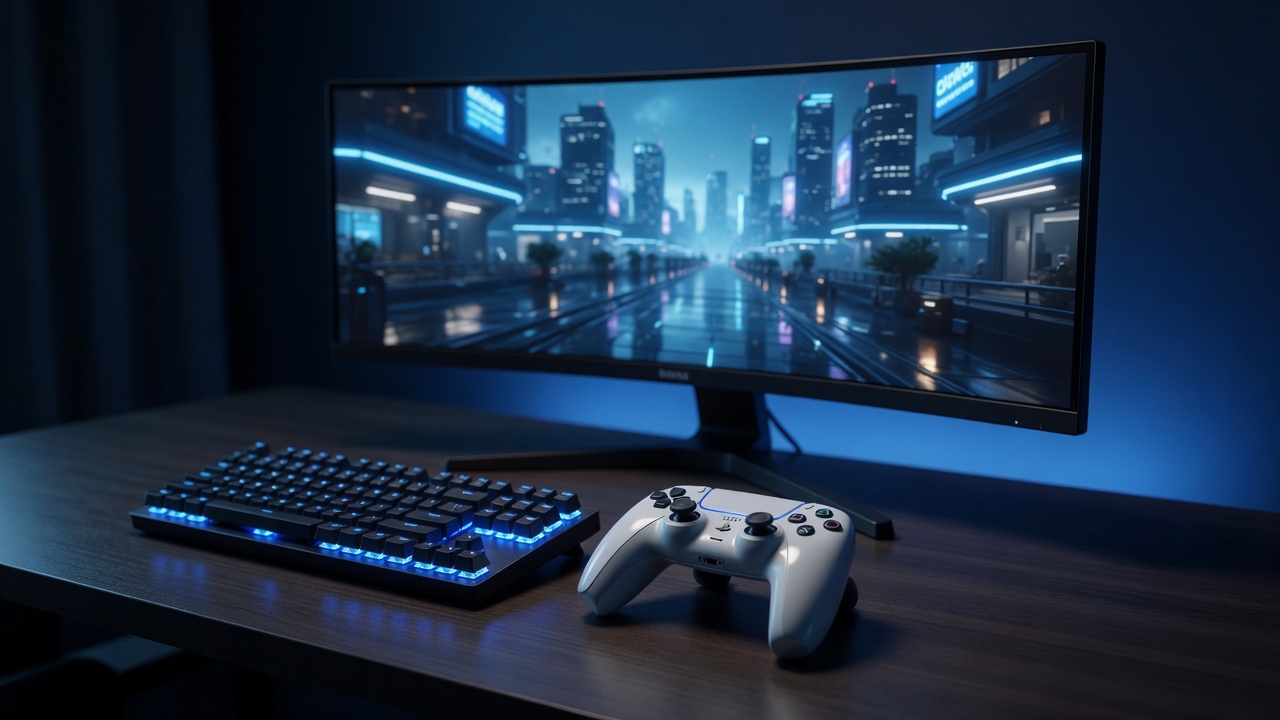
Play here
Controllers connected to this PC, used by games on this PC. What most people need, and where every PC starts.
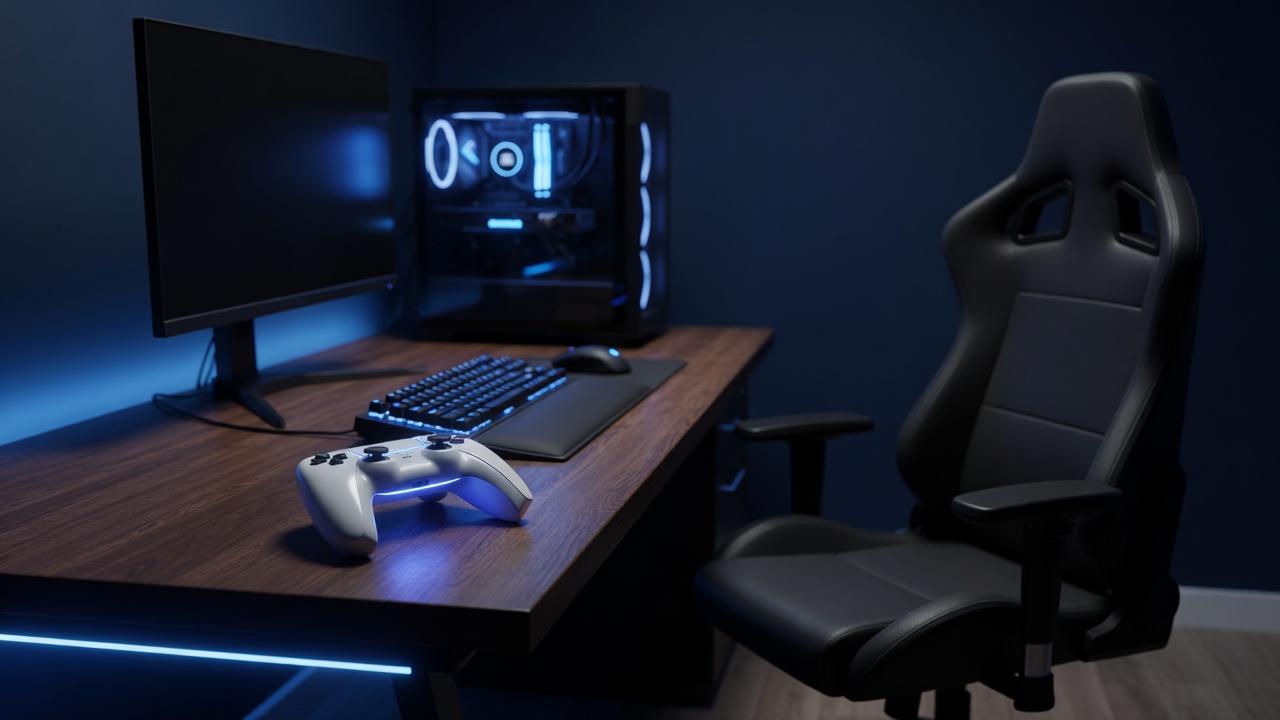
Lend a controller
Mark a controller Shareable and set a PIN, and another PC that knows the PIN can take it, every feature intact. It comes back when they let go.
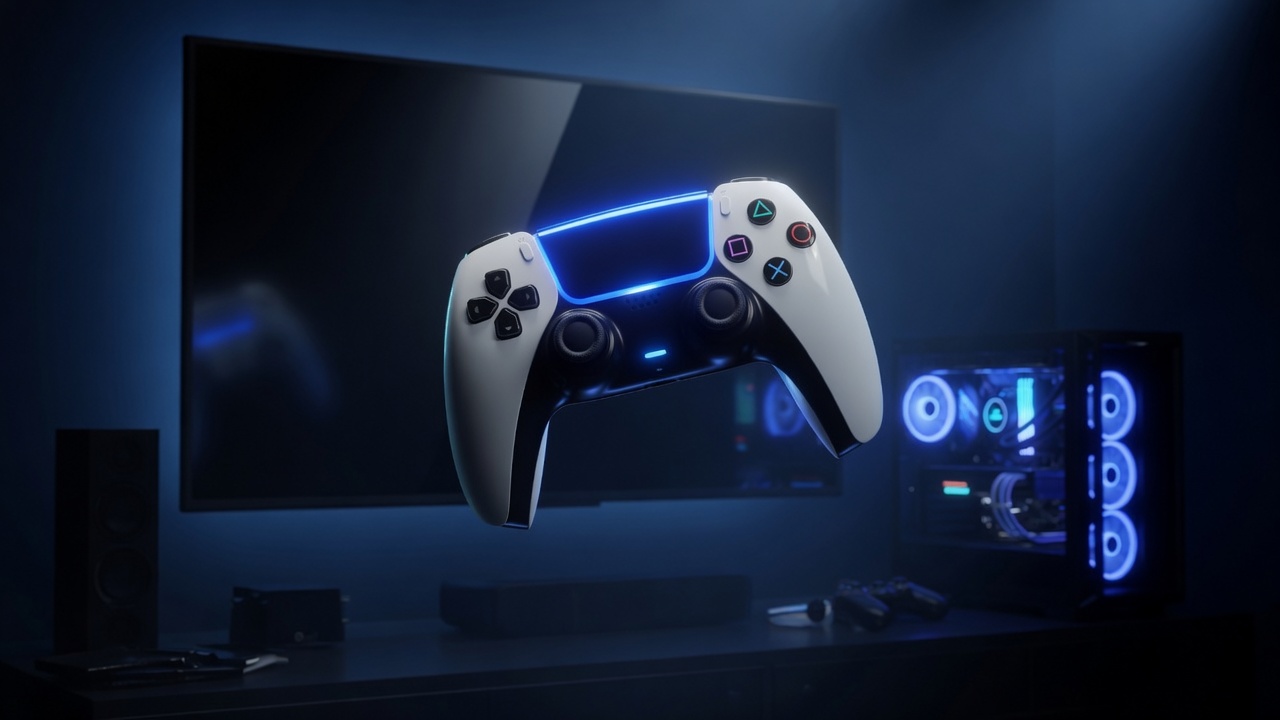
Join another PC
Take a seat at any PC that is broadcasting, as a Chair to yourself or on its Couch with others: its game streams to you, and your controllers go to it.
Feel it for yourself.
Try TridentSense's controller page in your browser with your own controller, free, with nothing to install.
Try it now Read the documentation